Mobile Popups That Don't Cost You Rankings: Google's Intrusive Interstitials Rule for Shopify
On a phone, a popup that covers the page loses the shopper before they see the product. Here is what Google's guidance says and what to show instead.
Read summarized version with
 ChatGPT
 Claude
 Perplexity
 Grok
Summary
- Google's guidance says a dialog that covers the content may lead to poor search performance.
- On a phone, a full-screen popup hides the product the shopper came to see.
- Small, easy to close and away from the content is the safe shape for any mobile popup.
- A small notification with real store activity shows a new visitor that real people buy from you.
On Black Friday, a lot of your visitors arrive on a phone. They tap an ad, the product page starts to load, and a popup fills the whole screen. Many of them close the tab before they ever see the product.
That popup costs you twice. You lose the shopper you paid to bring in. And Google has a page that says this kind of popup may hurt how your store shows up in search.
This guide covers what Google actually says, which popups are fine on a Shopify store viewed on a phone, and five checks you can run in a few minutes.
Why full-screen popups lose mobile shoppers
A phone screen is small. A popup that would sit in a corner on a laptop takes over the whole page on a phone.
Think about the visitor's first three seconds. They clicked because of one product. If the first thing they see is a box asking for their email, the product is hidden behind it. Now they have to find the close button, which is often tiny, before they can do what they came for.
Some will do it. Many won't. And the ones who leave were the new visitors who didn't know your store yet, the ones a Black Friday ad is meant to win.
What Google calls an intrusive interstitial
Google Search Central has a page called "Avoid intrusive interstitials and dialogs". As of November 2026, it defines them as page elements that block the user's view of the content. It names two things not to do:
- Don't cover the entire page with an interstitial.
- Don't send the visitor to a separate page to give consent or input.
The idea isn't new. Google started applying it to mobile search results in January 2017, and the current page goes further: it covers all kinds of promotional dialogs.
On rankings, the page is careful. It says intrusive dialogs "may lead to poor search performance", because they make it harder for search engines to understand your content. It doesn't promise a penalty, and it doesn't promise you're safe either.
There's one exception. Some sites must show an interstitial because of what they publish, like an age check on a site with age-restricted products. Google exempts those. It still recommends showing them as an overlay on the page, not as a separate page the visitor gets sent to.
Popups that are fine: small, dismissible, not covering the content
Google's page gives a plain alternative. Instead of a full-page interstitial, use a banner that takes up only a small part of the screen.
That gives you three things to aim for on a phone:
- Small. It covers a strip or a corner, never the product.
- Easy to close. The close button is big enough for a thumb.
- Out of the way. The shopper can scroll, read and add to cart while it's on screen.
If your store uses a welcome popup, keep it in this shape on mobile. A small greeting that leaves the product visible does the job without the risk.
Five checks for any popup on a phone
Run these on your own phone, on a product page, the way a Black Friday visitor would see it.
- Open the page from a link, not from your bookmarks. Use a private tab so the store treats you as a new visitor.
- Look at the first screen. Can you see the product name, the photo and the price? If a popup hides them, that popup needs to shrink.
- Find the close button. Try to close it with your thumb on the first tap. If it takes two tries, it's too small.
- Count the popups. A welcome popup, a discount box and a chat bubble at once is a crowded screen. Pick the one that matters on that page.
- Check how often it comes back. A popup that appears on every page view gets old fast. Show it once, then let the shopper browse.
When you change something, compare the weeks before and after. Our guide on how to test any popup change against your own numbers shows how to read the result without fooling yourself.
What a small notification can show instead
Not every popup is there to ask for something. Some are there to answer a question the new visitor already has: does anyone actually shop here?
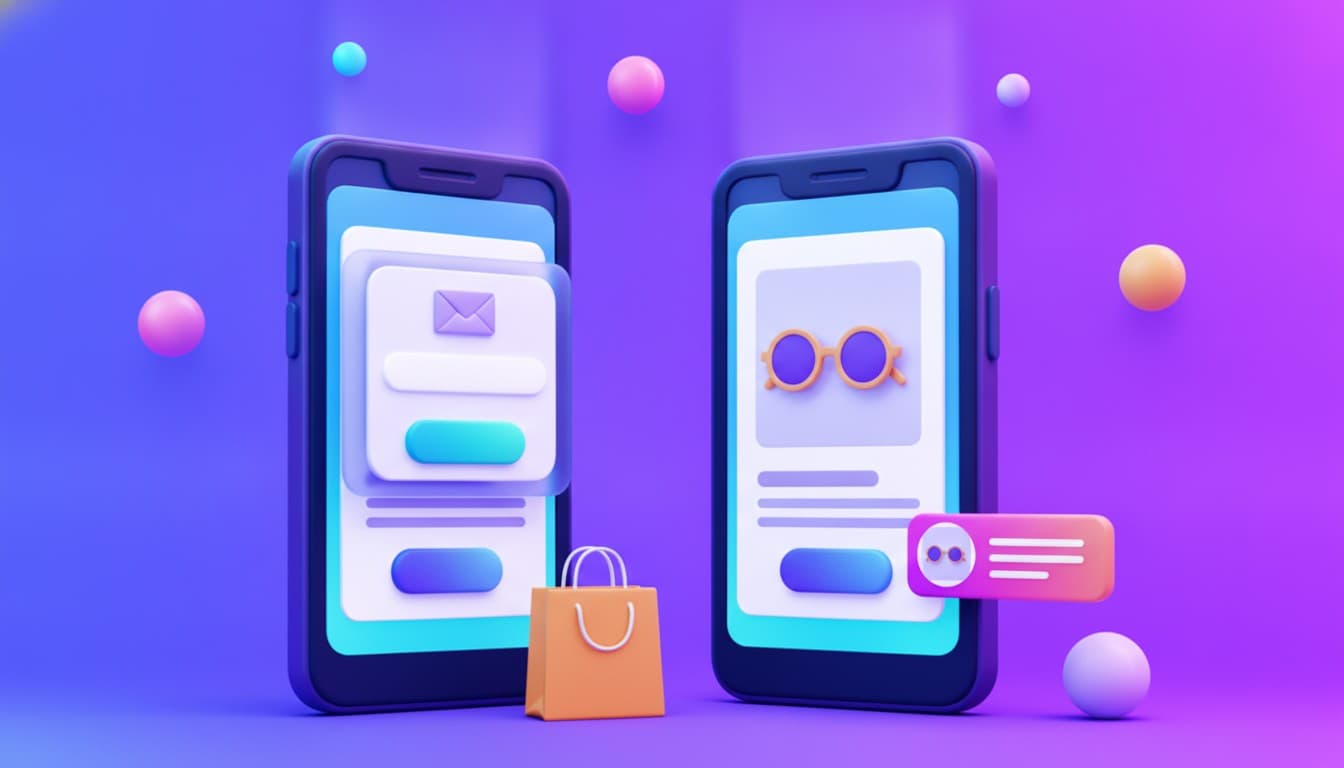
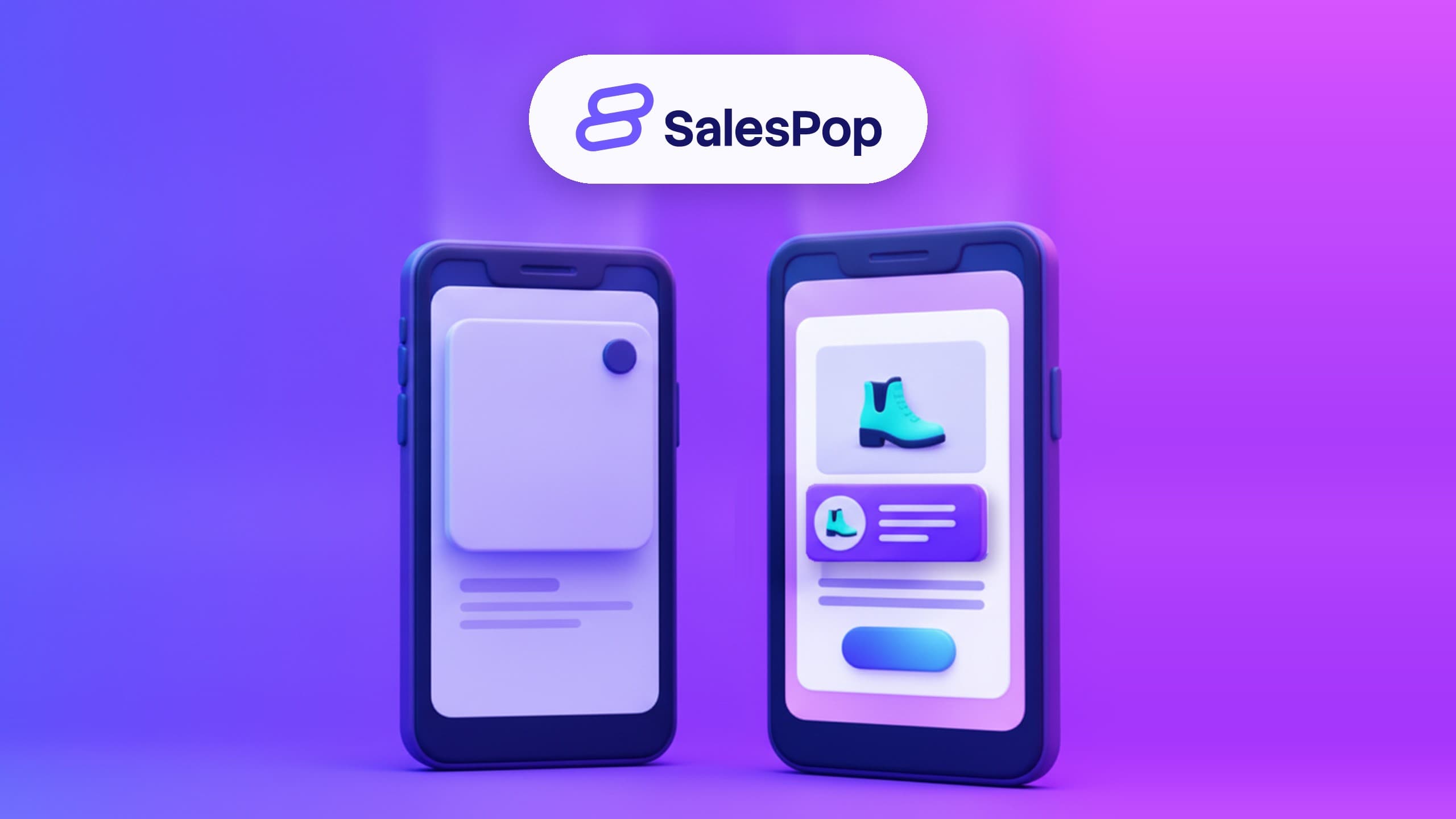
A SalesPop Pop is a small notification in a corner of the page. It shows real activity from your store: a recent order, a review, a product other people viewed. It doesn't cover the product.
On a phone, that matters. The visitor still sees the page they tapped on. They also see that real people buy from you.
You can also cap how often each visitor sees Pops. The "Display limit per visitor" setting sets how many visits each month a shopper sees Pops for, so a returning shopper isn't shown the same thing all month.
Your first Pop is live in about a minute, with no code. SalesPop has 4.7 stars on the Shopify App Store, as of November 2026. If you're getting the store ready for the season, our guide on what changes on a store before the holidays covers the rest of the list. You can see what each plan includes on the SalesPop plans page.
FAQ
Does Google penalize popups on mobile?
Google's guidance says intrusive interstitials and dialogs "may lead to poor search performance" (Google Search Central, as of November 2026). It doesn't describe a fixed penalty. The safe reading is simple: don't cover the content, especially on a phone.
What size should a mobile popup be?
Google doesn't give a pixel size. Its page recommends banners that take up only a small fraction of the screen instead of full-page interstitials. In practice, the product name, photo and price should stay visible while the popup is open.
Are notification popups intrusive?
Not when they're small and leave the content visible. Google's page recommends small banners over full-page interstitials and says the same small containers work for other kinds of notifications. What makes a popup intrusive is that it blocks the content, not that it's a popup.
The short version
On a phone, the popup that helps is the one that lets the shopper see the page. Today, open your best seller on your phone in a private tab and look at the first screen.
Add SalesPop to your store. Free to start · First Pop in about a minute · No code.