Why New Visitors Don't Trust Your Shopify Store, and How a Built for Shopify Social Proof App Helps
A first-time visitor can't tell if anyone buys from your store. Here's how to show them, with real activity only, and how to pick an app without risking your store.
Read summarized version with
 ChatGPT
 Claude
 Perplexity
 Grok
Summary
- A first-time visitor can't tell if anyone else buys from your store. Real social proof answers that.
- Fake proof backfires: one invented notice makes shoppers doubt the true ones too.
- SalesPop shows real orders, add to carts, reviews and low stock, with a first name and, at most, a city.
- Your first Pop is live in about a minute, with no code, and every Pop previews before it publishes.
- SalesPop is Built for Shopify: Shopify reviewed it in five areas and checks again every year.
Someone lands on your store for the first time. They clicked an ad, a search result or a link a friend sent. They've never heard of you.
Before they look at the price or the shipping, they're asking a quieter question. Is this store real, and do other people buy here?
Many of them leave without an answer. This post is about giving them one, honestly, and about picking an app to do it without putting your store at risk.
Why new visitors hesitate on a store they've never seen
A big brand gets trust for free. The shopper already knows someone who ordered from it. A smaller Shopify store doesn't have that head start.
Your product page can be great and the photos sharp, and the visitor still can't tell if anyone has bought here before. In a physical shop they'd see other people at the till. Online, your store looks empty unless you show what's happening in it.
That's the gap social proof fills. A recent order, a new review, a product someone just added to their cart. Small, true signs that real people shop here.
Why fake social proof makes it worse
The quick fix is tempting. Some popup apps will invent a buyer, a countdown or a stock counter for you.
It works until a shopper notices once. After that, every notice on your store reads like a trick, the true ones included. Social proof only works while shoppers believe it.
So here's a rule worth keeping, whichever app you use. Show a notification only if it really happened.
Why every new app feels like a risk
There's a second worry, and it's a fair one. Any new app touches your store. It can change how your theme looks, handle your store data and, for some apps, affect how fast pages load. Some can leave code in your theme after you uninstall.
Checking all of that yourself takes time most merchants don't have. So a lot of merchants don't install anything, and the visitors keep leaving. Further down we cover what Shopify now checks for you.
How SalesPop shows real proof to new visitors
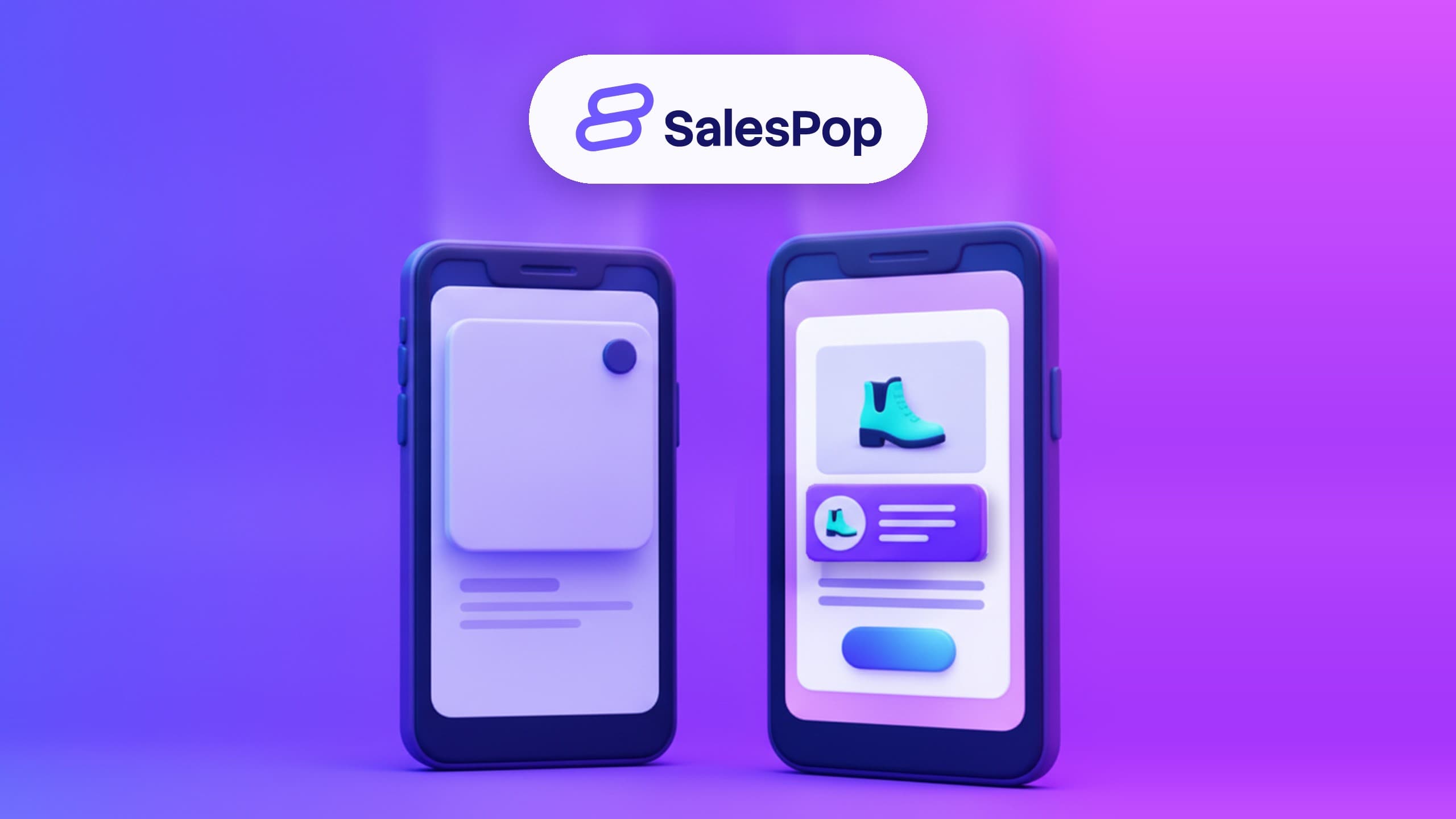
SalesPop is a Shopify app that shows shoppers what's really happening in your store, at the moment they decide. Every social proof Pop is built from real store activity:
- Orders. A small notice that a recent shopper bought a product.
- Add to carts. What other shoppers are putting in their carts.
- Reviews. What real customers wrote about the product.
- Low stock. Driven by your real Shopify inventory, never by an invented counter.
Shoppers see a first name and, at most, a city. A notice reads something like "Marina from Lisbon just bought the violet frames" (an example of the format, not a real customer). No email addresses, no order values, nothing that identifies a person. There are no invented notifications and no false urgency.
Your first Pop in about a minute, with no code
SalesPop installs from Shopify in one click, with no new account and no password. Inside, it uses the same wording you already know from the Shopify admin.
Pops are grouped by the job they do: build trust, grow your list, or nudge a shopper to act. Every Pop previews before it publishes, so nothing reaches your storefront before you've looked at it. All the rules sit on one screen: which pages, which corner, how often and for how long.
Your first Pop is live in about a minute. No code. Here's how SalesPop works, step by step.
Show the right Pop to the right visitor
A first-time visitor and a returning customer don't need the same message. In SalesPop you choose who sees each Pop, by page, device, location, new or returning visitor, or UTM.
So the shopper who arrives from your ad for the first time can see a recent order on that product. The customer who comes back can see a review instead.
Campaigns put your Pops on a schedule. Group them into a Campaign and set the day it starts and the day it ends. You can build your Black Friday Pops ahead of time and pick the day they stop.
See which Pops are worth keeping
SalesPop shows views, clicks, closes and conversions for each Pop type. That turns the question into a simple one: which Pop is worth keeping, and which needs adjusting.
You can also run A/B tests on your Pops: two versions side by side, with views, clicks and conversions tracked for each. New to testing? Our practical guide to A/B testing pop-ups covers what to test and how long to wait. It also shows how to tell a real difference from a lucky week. There's also a quick tour of the app on our site.
Built for Shopify: what Shopify checks before you install
In November 2026, SalesPop earned Built for Shopify status. Shopify calls it the highest level of recognition an app can reach. It also answers a good part of the "is this app safe for my store?" worry.
An app can't simply switch the badge on. It has to meet a published set of criteria, apply, and pass a review by Shopify's app review team. As of November 2026, Shopify groups the standard into five areas:
- Safety, security and reliability. Handling store data responsibly, and installing and uninstalling cleanly.
- Performance. Shopify measures how an app affects the speed of the Shopify admin, and for some apps, the storefront and checkout as well.
- Ease of use. The app should feel like part of the Shopify admin, not a separate tool bolted on.
- Proven usefulness. Shopify looks at installs, the number of reviews and the average rating over a rolling window.
- App info and benefits. The App Store listing has to be complete and describe what the app does today.
It isn't permanent. Shopify reviews Built for Shopify apps once a year, and an app that stops meeting the standard can lose the status.
For you, that means Shopify has already done several checks you'd normally do by hand. And it does them again every year. If you only want to see apps that passed, the App Store has a Built for Shopify filter.
Proof you can check yourself
We sell honest social proof, so ours is public. SalesPop has 4.7 stars from 907 reviews on the Shopify App Store, as of November 2026. You can read every one before you install.
What it costs to start
There's a free plan, so you can install SalesPop and put your first Pop live without paying anything. Paid plans give you more visitors a month, and each one starts with a 7-day free trial.
Billing runs through your Shopify account, and you can uninstall from your Shopify admin. Current plans are in our pricing section.
One honest note: SalesPop works best on stores that already have steady traffic. If you're just starting out, Welcome and Discount Pops give you something useful to show while your volume builds.
FAQ
Is the social proof real?
Yes. Every social proof Pop comes from something that happened in your store: an order, an add to cart, a review or a real stock level. Welcome and Discount Pops are offers you write yourself, not proof, and they never pretend to be. SalesPop doesn't invent buyers, counters or countdowns.
What do shoppers see about my customers?
A first name and, at most, a city. No email addresses, no order values, nothing that identifies a person.
Will an app like this slow my store down?
It's the right question to ask of any app. Built for Shopify includes a performance review. Shopify measures how the app affects the speed of your Shopify admin, and for some apps the storefront and checkout too. Then it checks again every year.
Do I need to know how to code?
No. SalesPop installs from Shopify and your first Pop is live in about a minute, with no code.
Can I see a Pop before shoppers do?
Yes. Every Pop previews before it publishes.
My store is new. Is it worth it yet?
It works best once you have steady traffic. Until then, Welcome and Discount Pops give new visitors something useful. And on the free plan, you're not paying while you find out.
What if it isn't right for my store?
Uninstall it from your Shopify admin. Built for Shopify requires apps that add to your storefront to uninstall cleanly.
The short version
A visitor who has never heard of your store needs a reason to believe other people shop there. Give them real reasons, never invented ones, and pick an app Shopify has already checked. That's what SalesPop is for: real activity from your store, shown at the moment it helps most.
Install SalesPop free on Shopify
Free to start · First Pop in about a minute · No code